
Office Link
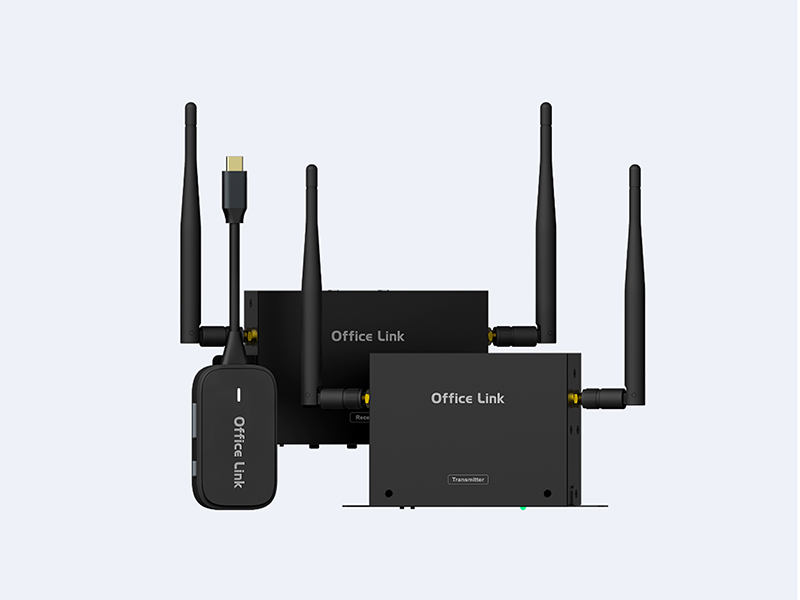
Office Link
Wireless Display Transmitter and Receiver
Office Link
Touch. React. Total Control.
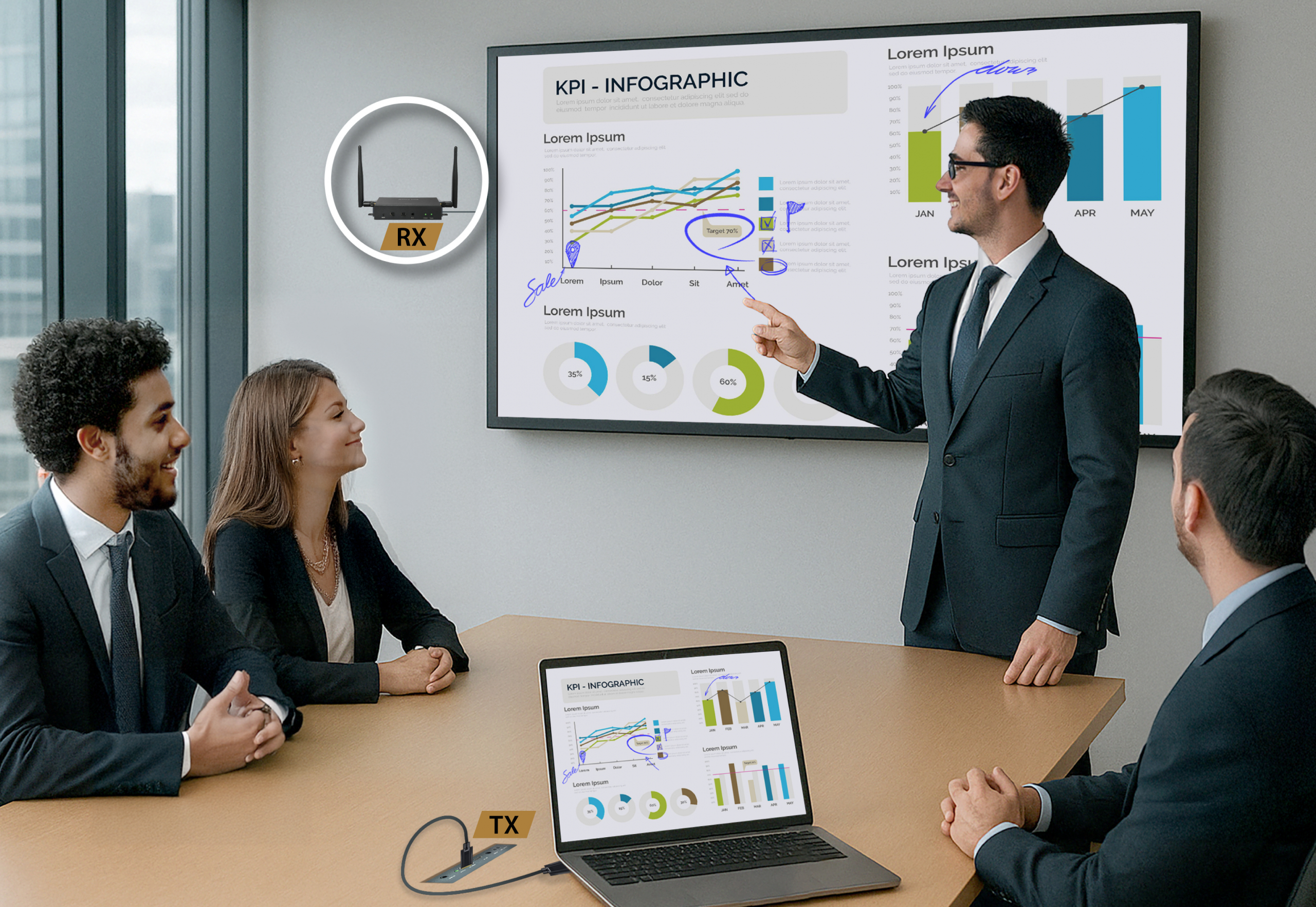
Interactive control from your screen.
Control your laptop, tablet, or smartphone remotely using a touch panel, keyboard, or mouse. Collaborate in real time to work faster, smarter, together.
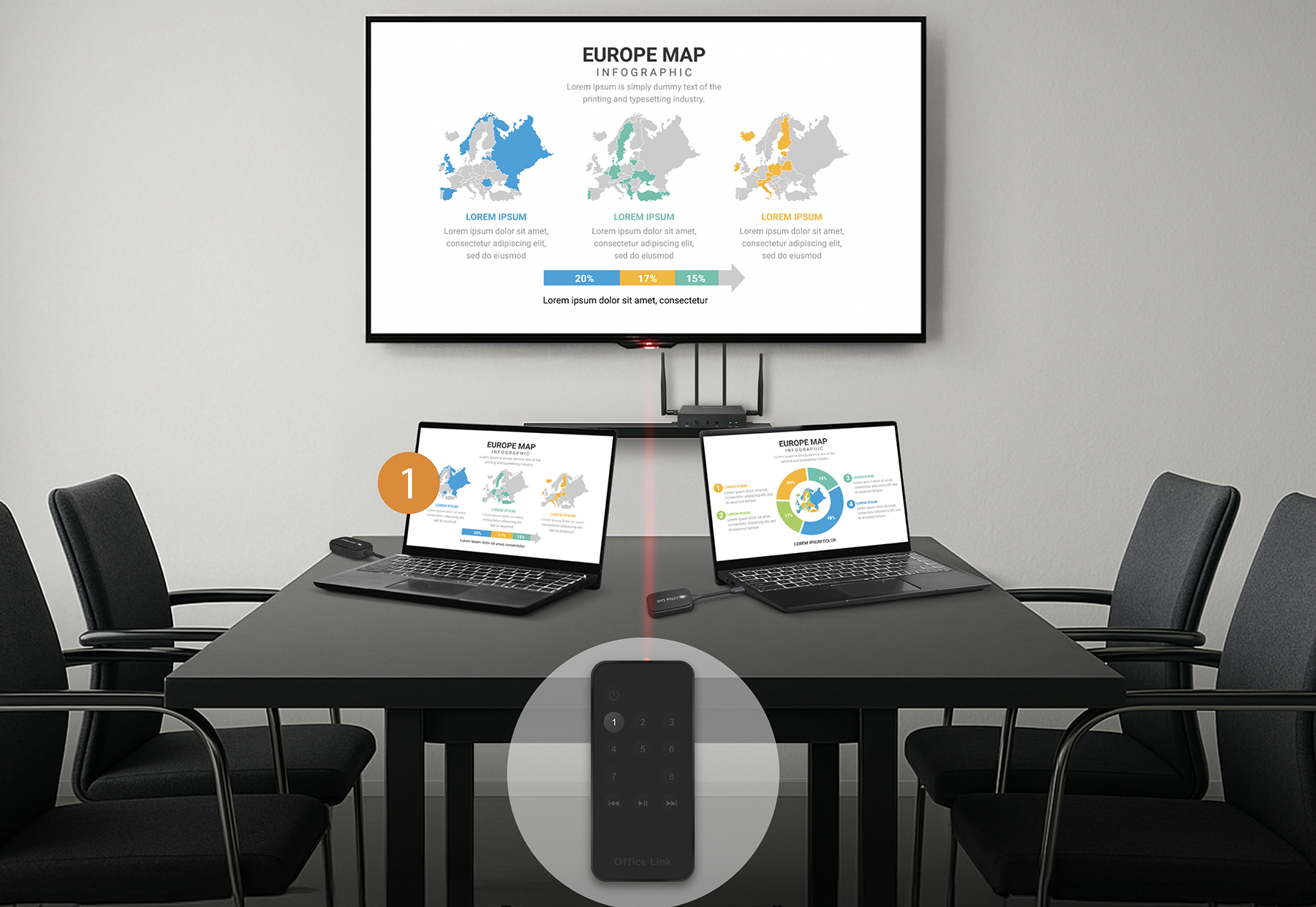
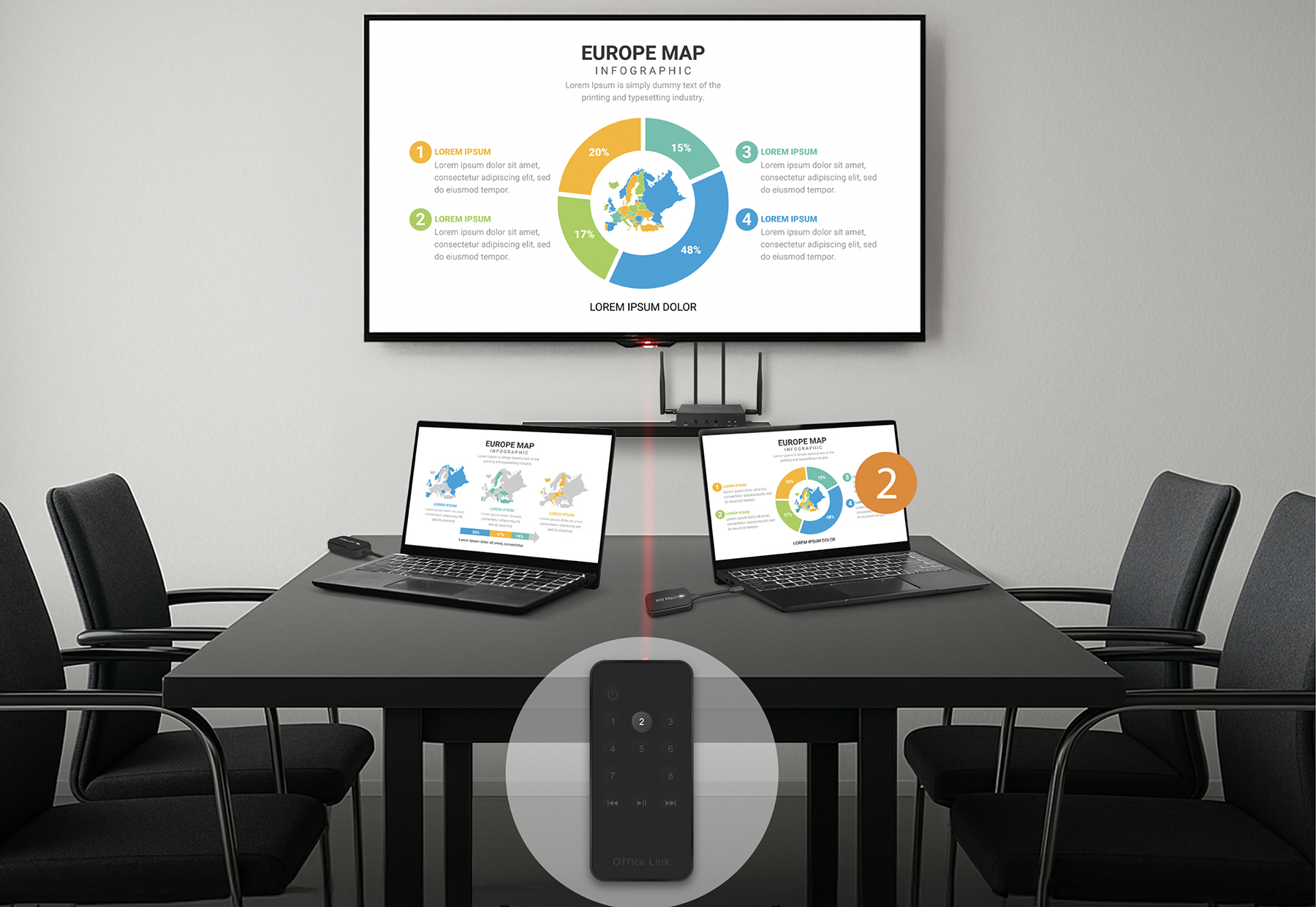
Instant presenter switching.
Switch between devices instantly with just one press. No walking. No plugging. No interruptions. Meetings flow seamlessly from start to finish, with control right at your fingertips.
Cast the way you want.
Office Link offers two transmitter models — a clean box design or a compact dongle. Choose the one that fits your workspace, plug it in, and get started.
Built into the table.
Made to move.
You can mix and match up to 8 transmitters in any combination of box and dongle to suit your team’s needs.
Diverse I/O Interfaces
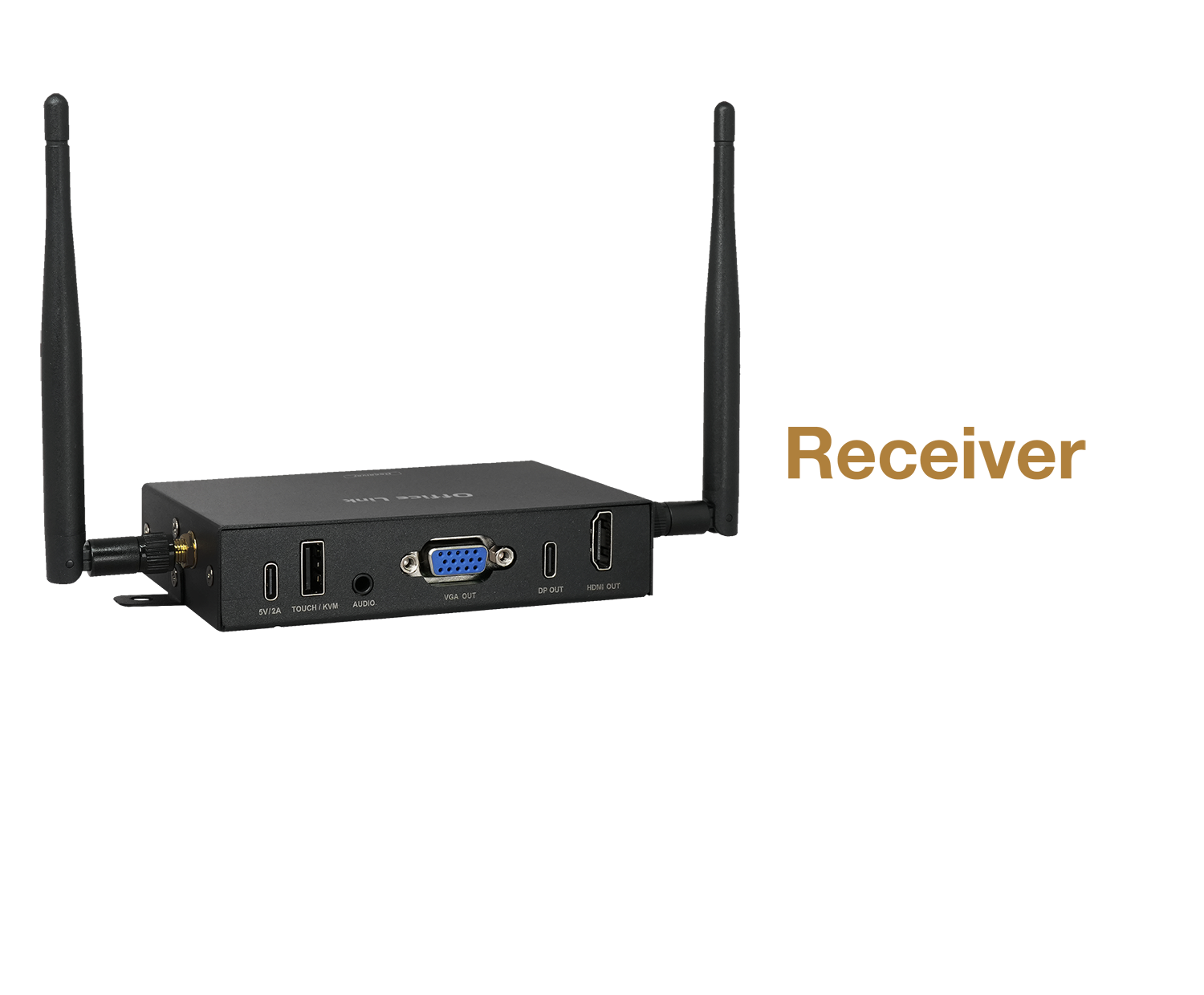
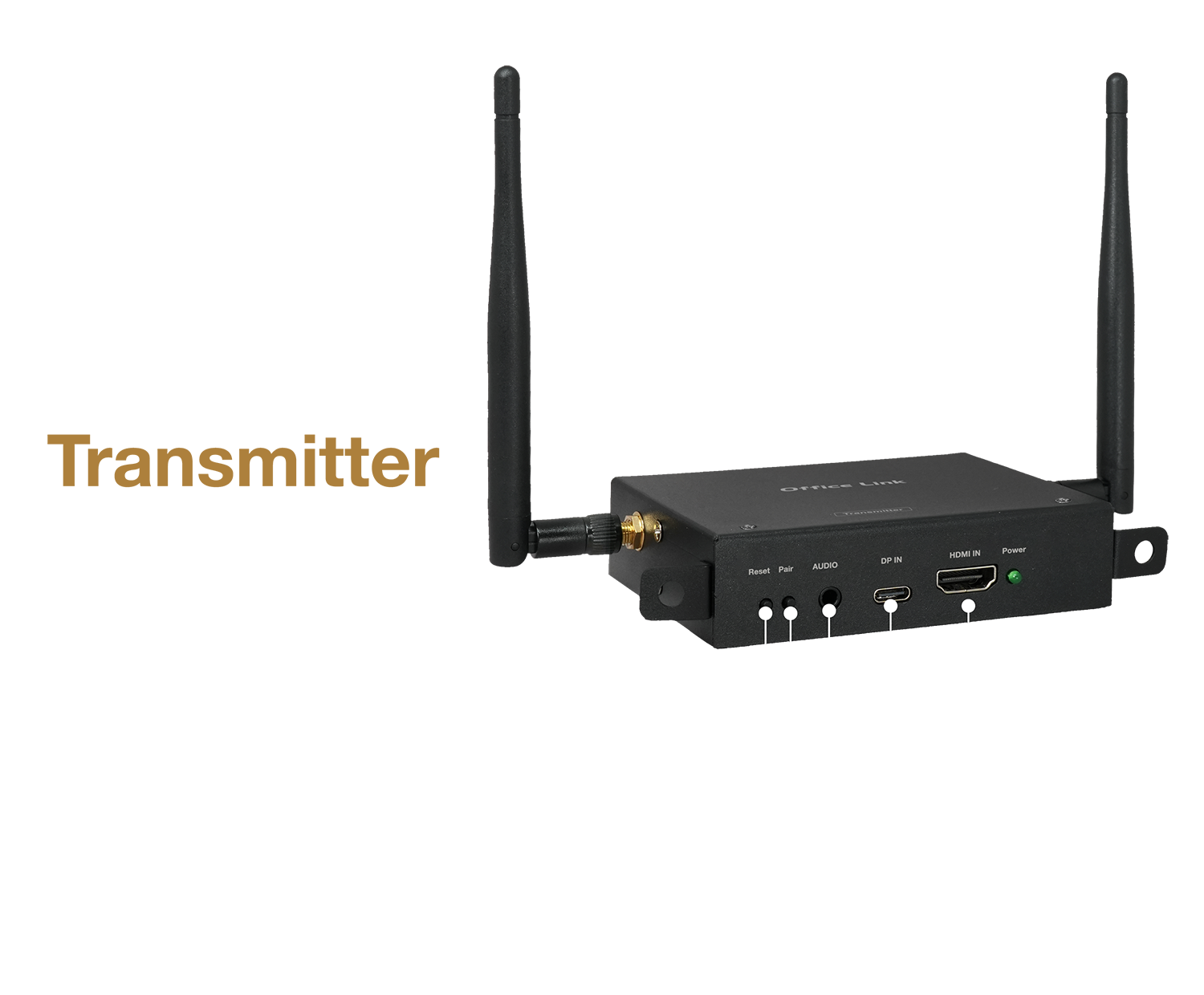
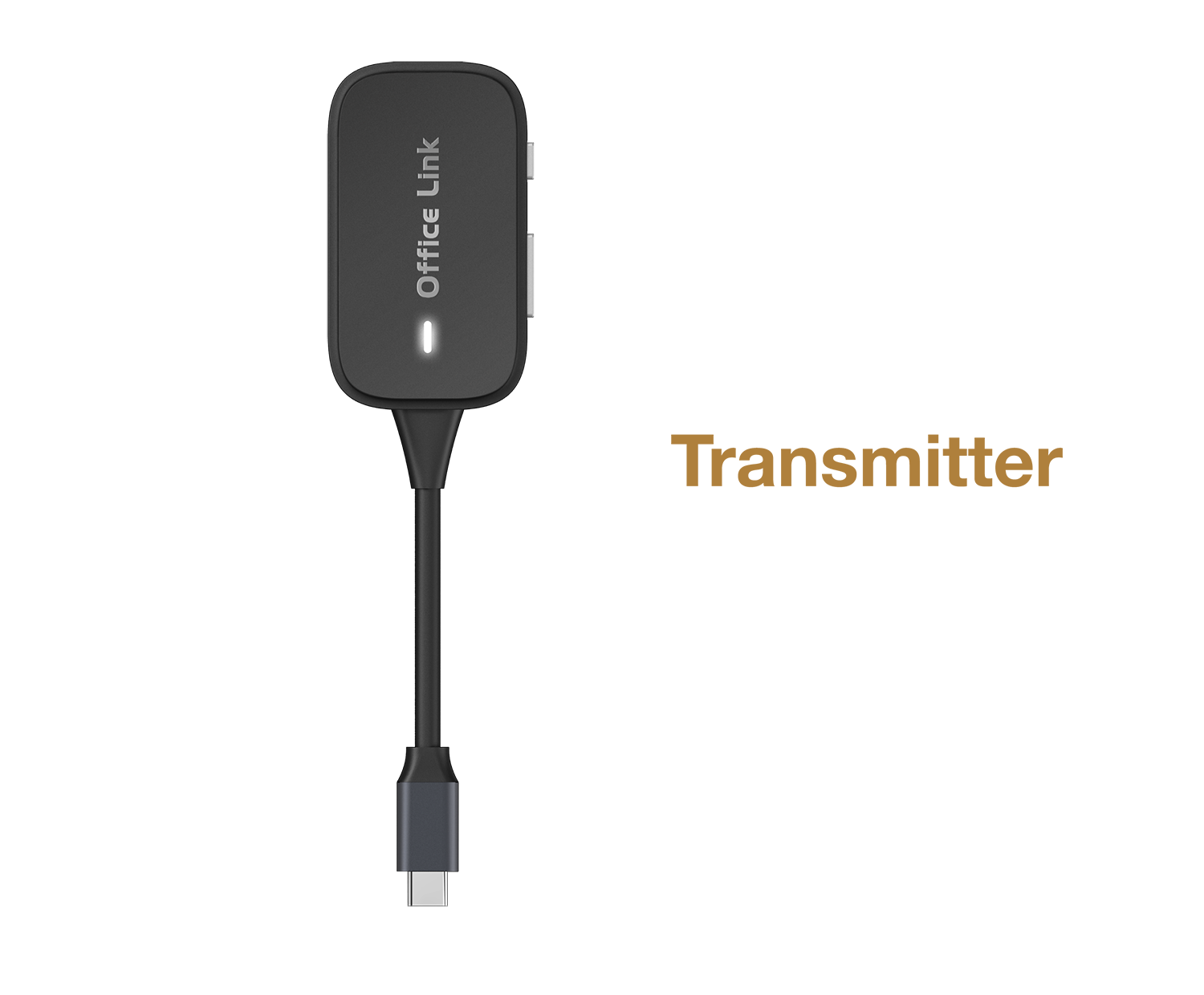
Collaborate without limits.

Diverse I/O Interfaces
Collaborate without limits.
Office Link FAQ
1. My screen is old. Can I use the USB-C (DP-Alt) function of Office Link?
Office Link takes into the diversity of conference room equipment, not only supports USB-C (DP-Alt), but also retains HDMI and VGA interfaces. Even if your screen is older, you can still project in high definition via HDMI or VGA.
2. What exactly can the "Touchback" function of Office Link do?
When your pen is connected to the touch screen through the transmitter, Office Link can instantly send the touch signal of the screen back to your device. This means that you don't need to get up and operate the computer. You can directly click, slide, turn the page or operate the application on the projection screen. You can remotely control the connected devices and truly achieve seamless collaboration in the meeting.
Office Link touch function supports the following system types.
3. There are multiple classrooms / meeting rooms in the conference room that need to be projected in turn. Will it be troublesome to operate?
No way. Office Link receivers support up to 8 transmitters to be paired at the same time. You only need to use the included infrared remote control to quickly switch the screen between multiple devices with one click. There is no need to plug in and unplug the wires, which is suitable for business meetings or educational training scenarios with multiple participants.
4. Do I need to connect to the enterprise's internal Wi-Fi to use Office Link? Will there be a risk of data security / network security?
Office Link uses receiver (RX) and transmitter (TX) point-to-point wireless transmission technology and does not rely on the enterprise's internal Wi-Fi environment. This means that data transmission is completely independent of the company's domain, which not only does not occupy the office network bandwidth, but also avoids the risk of security leakage caused by network connection. It is the safest choice for enterprise conference rooms.
5. Which devices does the transmitter (TX) of Office Link support? Do you need to install the driver?
Office Link adopts a driver-free design. As long as the USB-C interface of your laptop, MacBook or smartphone supports DP-Alt mode or has standard HDMI output, it can be plug and play. Without installing any software or application, guests or off-site workers can easily complete the presentation without the assistance of the IT department.
6. Will there be a delay problem in wireless projection?
EZCast Office Link adopts low-latency transmission technology to provide smooth images in general meetings and briefings, which is suitable for daily business applications.
7. What usage scenarios is EZCast Office Link suitable for?
It is suitable for enterprise conference rooms, educational classrooms, briefing spaces and shared offices, which can improve the efficiency of meetings and reduce the trouble of wiring and equipment switching.
| Transmitter | ||
|---|---|---|
| Model | Office Link Transmitter FLT-1 (Box) | Office Link Transmitter FLT-C1 (Dongle) |
| Network | Wi-Fi 5GHz 2T2R | Wi-Fi 5GHz |
| Interface (Front) | Power in (Support PD3.0 Up To 60 Watt) | USB-C |
| Interface (Back) | Audio in/USB-C DP in/HDMI in/IR in | |
| Max Resolution | 1920×1080P 60Hz | |
| Function | Screen Mirror/Extend | |
| Device Power Consumption | DC 5V/2A | DC 5V/1A |
| Receiver | ||
|---|---|---|
| Model | Office Link FLR-1 | |
| Network | Wi-Fi 5GHz 2T2R | |
| Interface | Power in USB-C/KVM & Touch USB-A/Audio out/VGA out/USB-C DP out/HDMI out | |
| Max Resolution | 1920×1080P 60Hz | |
| Function | Screen Mirror/Extend | |
| Device Power Consumption | DC 5V/2A | |
| name | download |
|---|---|
| Office_Link_DM |  |
| Office_Link_Quick Start Guide | |
| Office_Link_Fall User Manual | |