

EZCast Mate 2
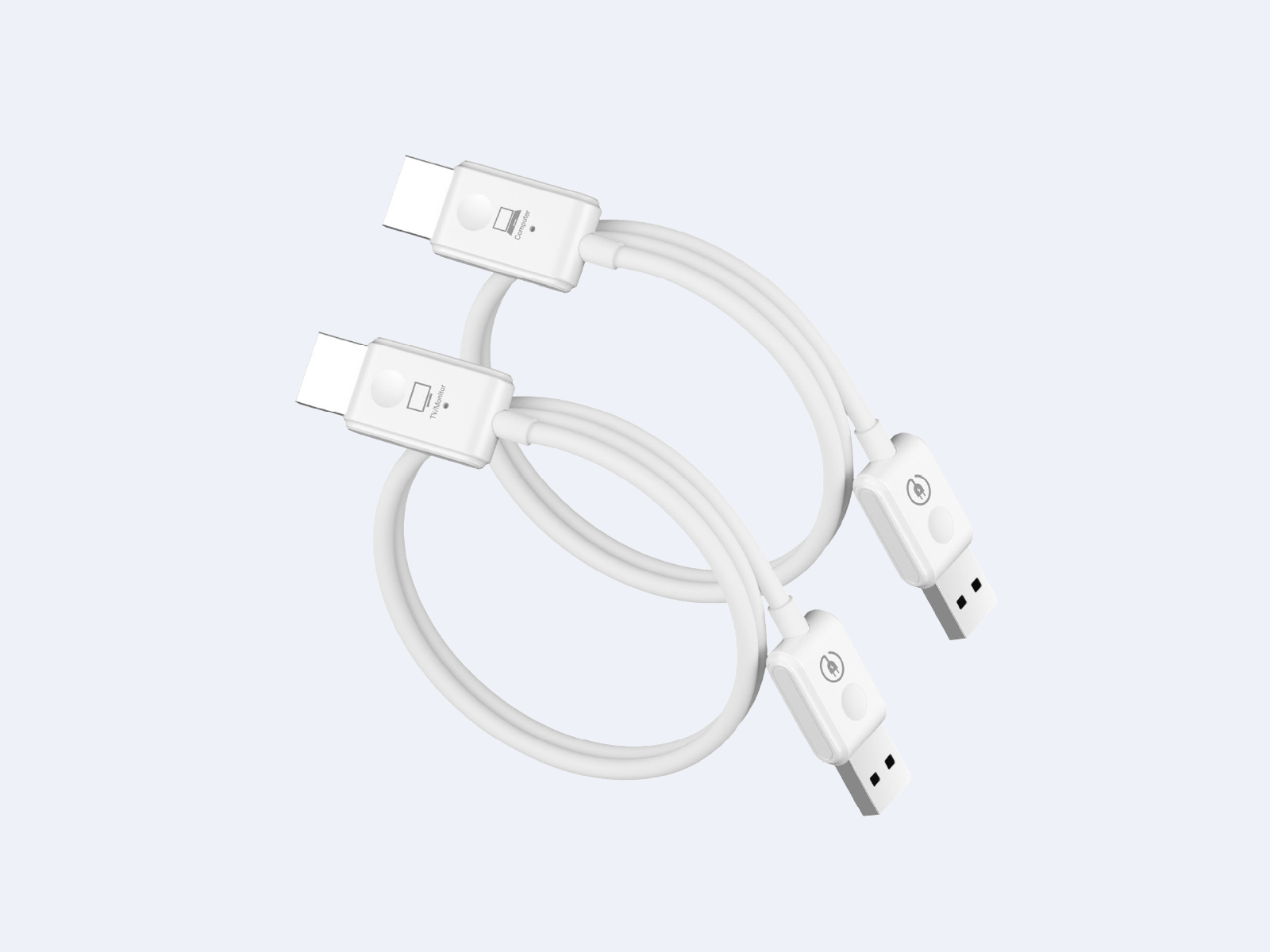
EZCast Mate 2 HDMI to HDMI Transmitter and Receiver Kit
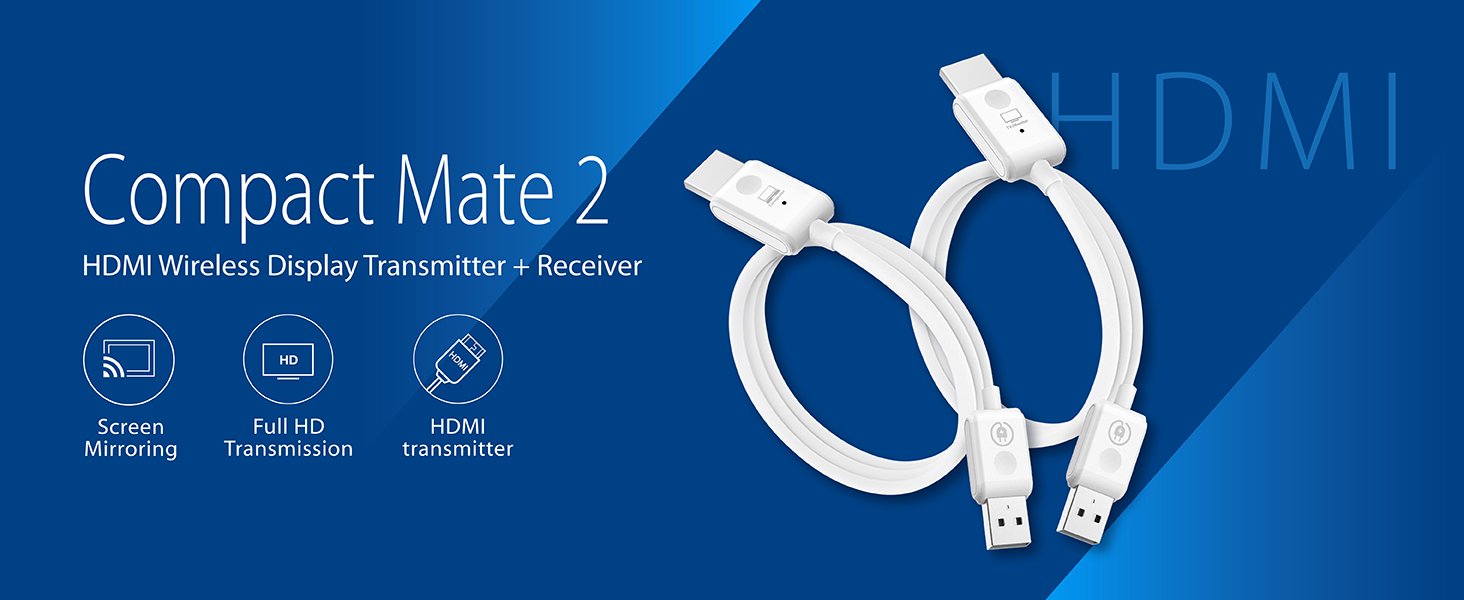
Plug in and project effortlessly, connecting your audio-visual world in seconds.
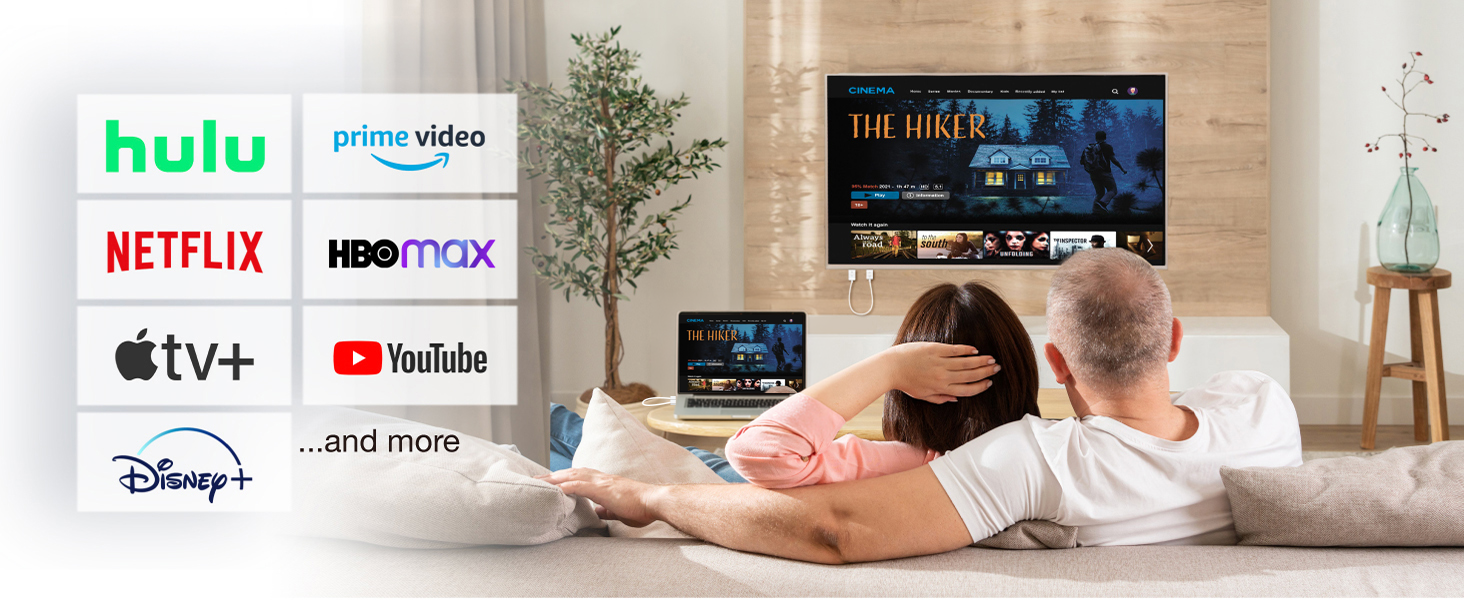
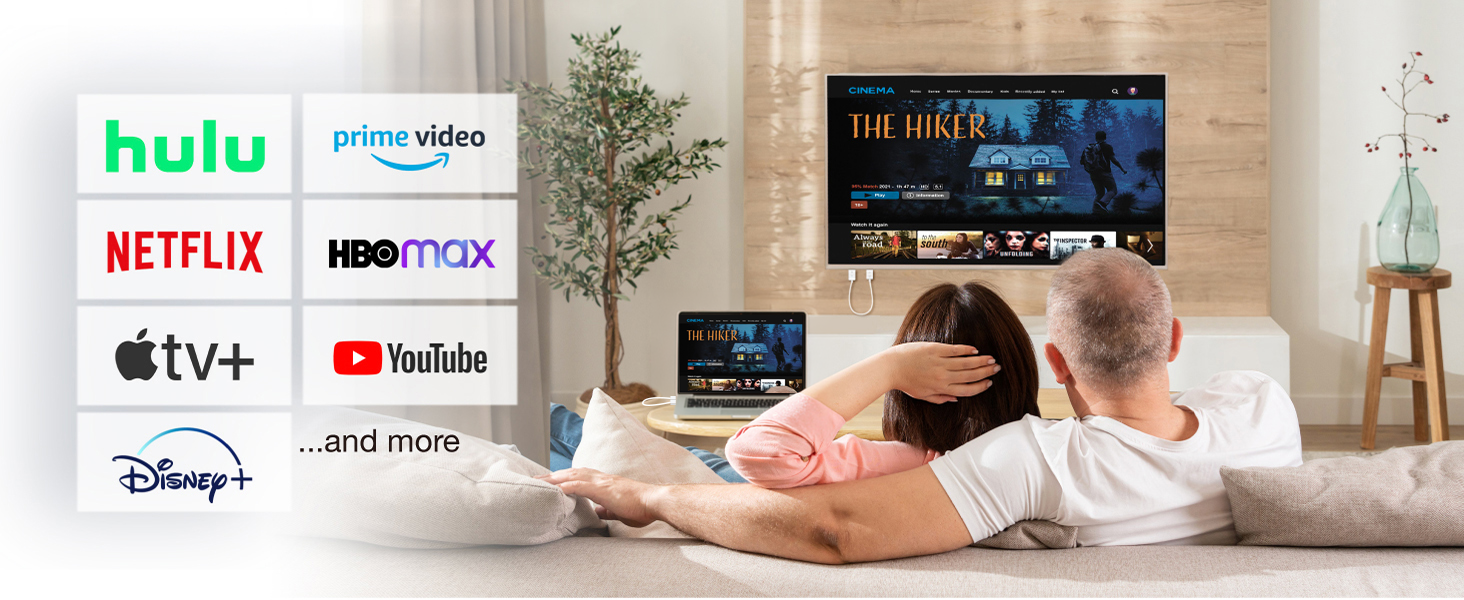
Enjoy streaming from Netflix, YouTube, and Disney+ while casting your laptop screen to the big screen — creating a convenient home theater experience with ease.
Seamless and stable transmission
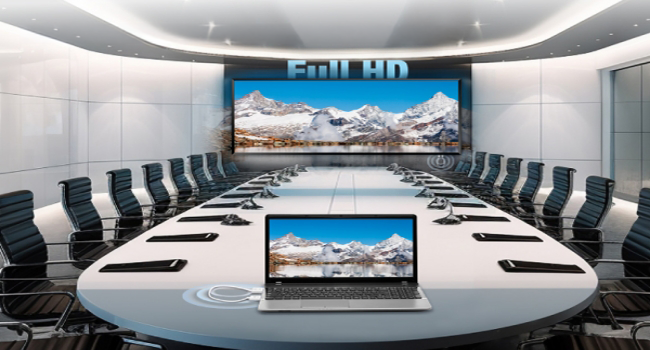
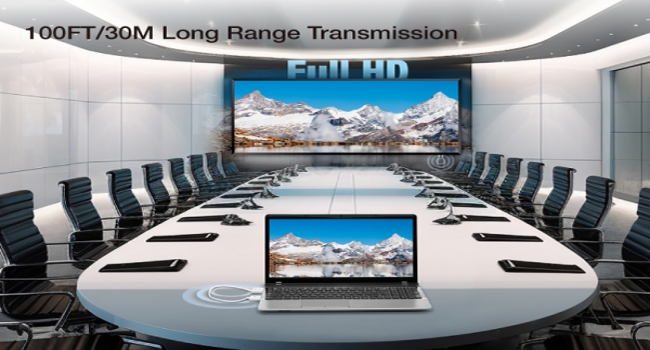
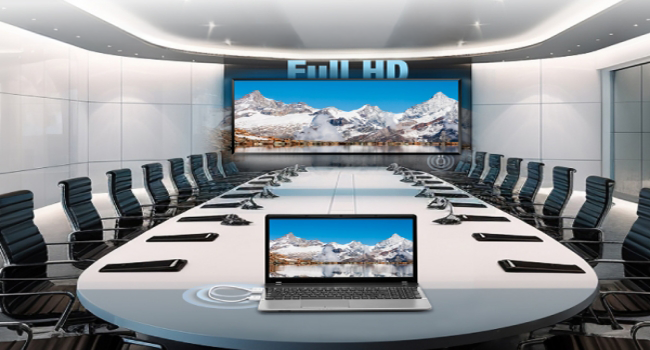
The screen syncs with the big display in real time, delivering a smooth presentation and enabling efficient collaboration.
Plug and play
No extra setup or app installation needed. Simply plug in the device and connect instantly.
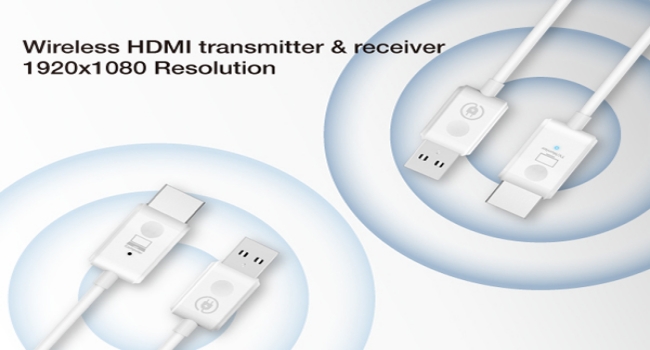
Use Cases

Business

Education
Compatible Devices
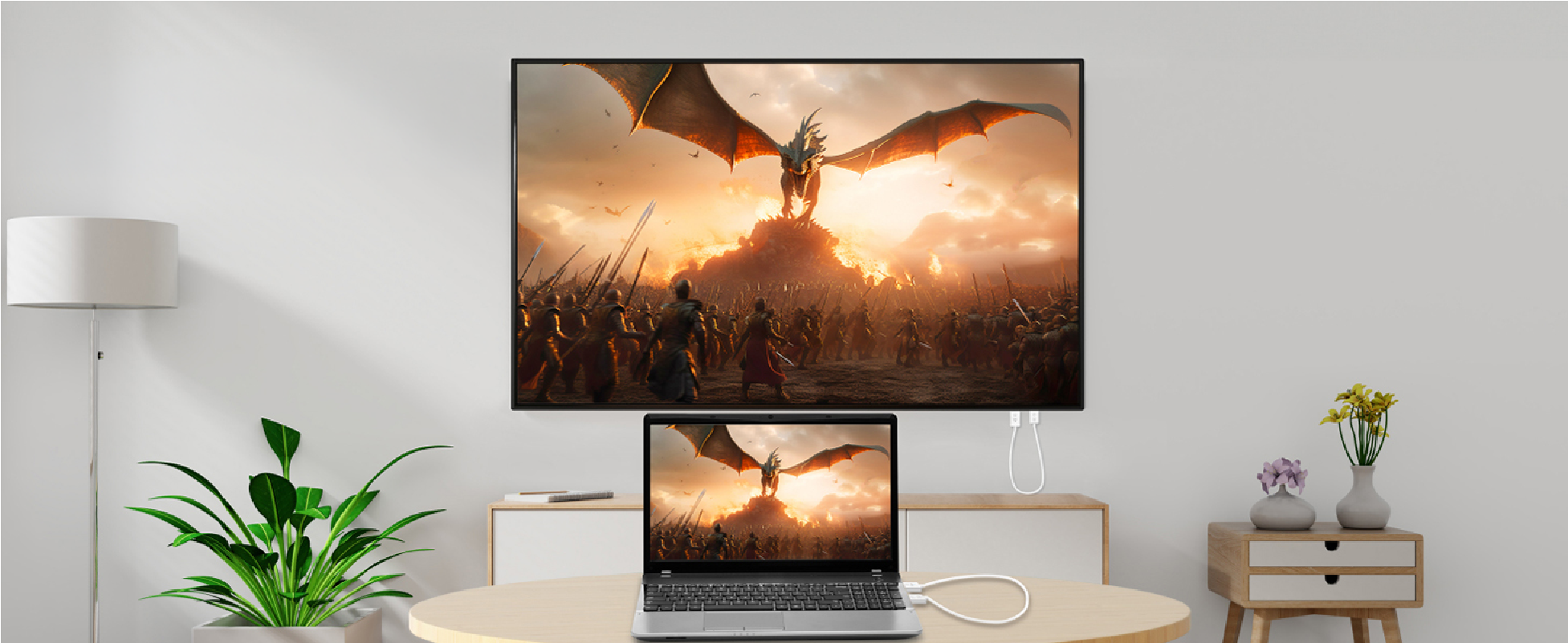
Connect your laptop
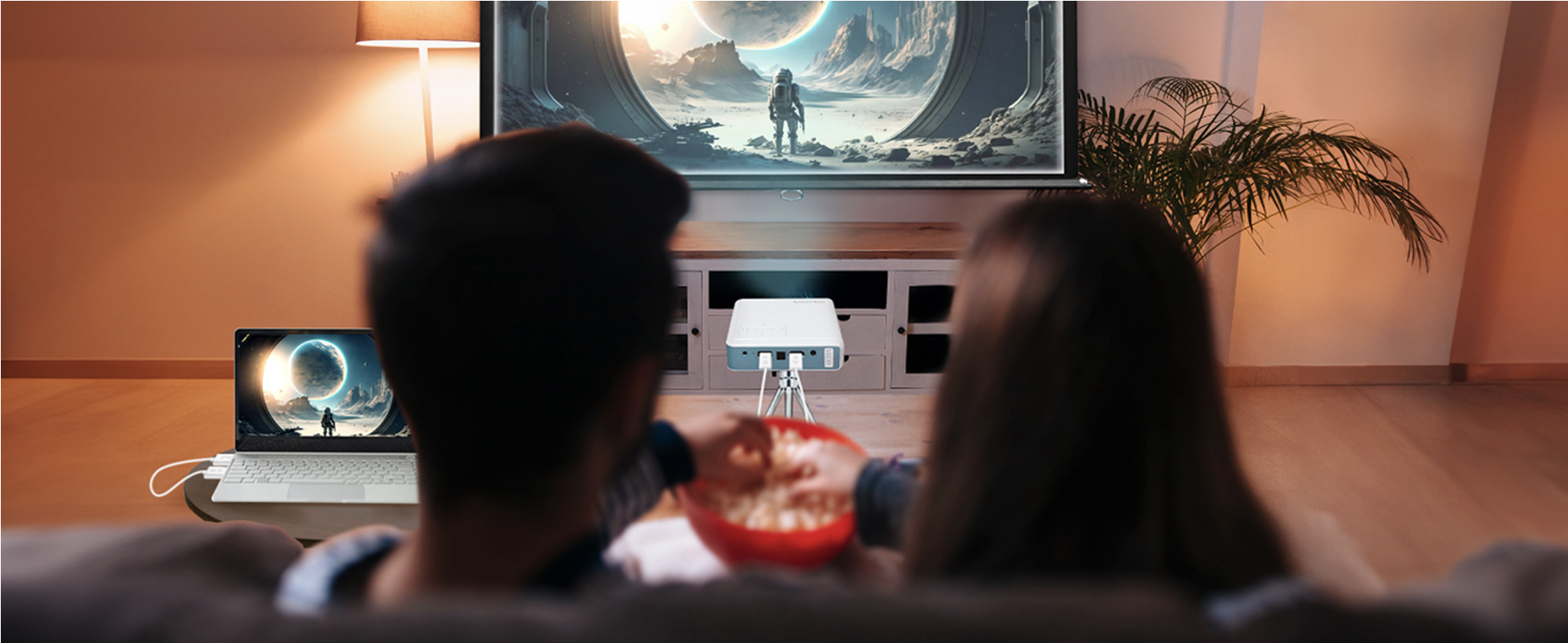
Connect the projector

Connect the camera
Plug in and project effortlessly, connecting your audio-visual world in seconds.
Enjoy streaming from Netflix, YouTube, and Disney+ while casting your laptop screen to the big screen — creating a convenient home theater experience with ease.
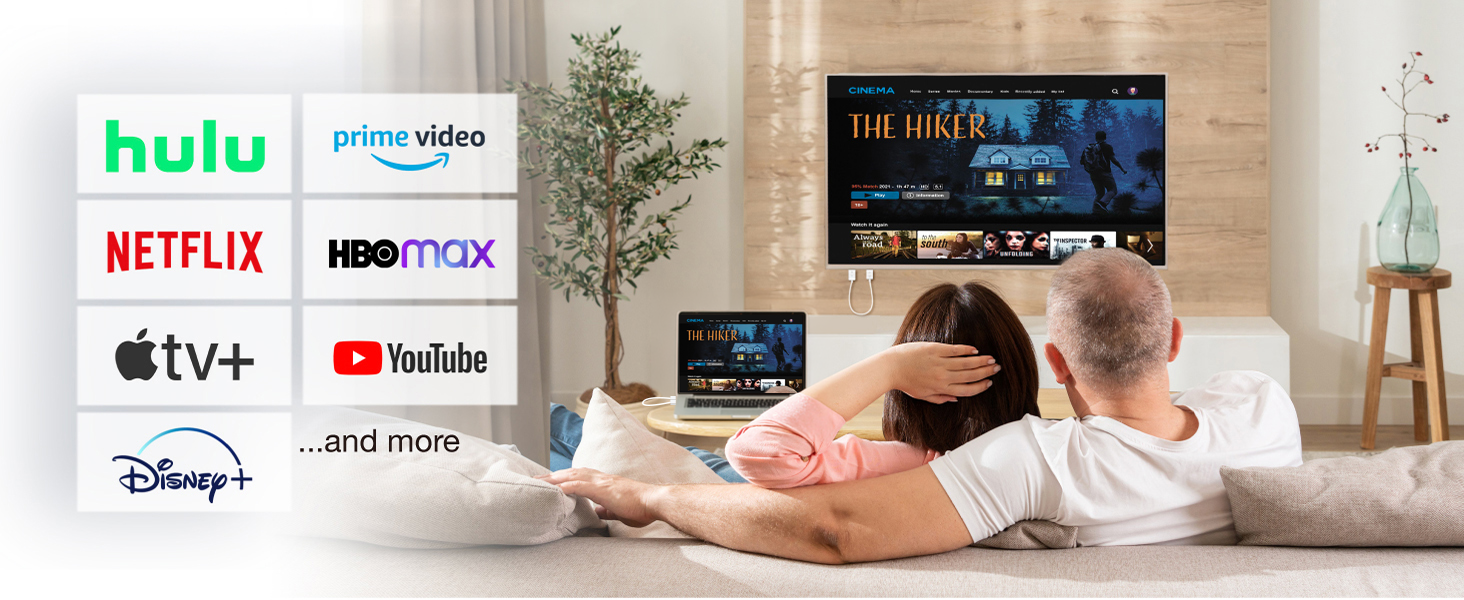
Seamless and stable transmission
The screen syncs with the big display in real time, delivering a smooth presentation and enabling efficient collaboration.
Plug and play
No extra setup or app installation needed. Simply plug in the device and connect instantly.
Use Cases
Business
Education
Compatible Devices
Connect your laptop
Connect the projector
Connect the camera
Plug in and project effortlessly, connecting your audio-visual world in seconds.
Enjoy streaming from Netflix, YouTube, and Disney+ while casting your laptop screen to the big screen — creating a convenient home theater experience with ease.
Seamless and stable transmission
The screen syncs with the big display in real time, delivering a smooth presentation and enabling efficient collaboration.
Plug and play
No extra setup or app installation needed. Simply plug in the device and connect instantly.
Use Cases
Business
Education
Compatible Devices
Connect your laptop
Connect the projector
Connect the camera
EZCast Mate 2 FAQs
01. How to use?
Receiver (R2): Plug into the HDMI port of your TV or projector, then connect to a USB power source.
Transmitter (T2): Plug into the HDMI port of your laptop and power it on. Wait for the indicator light to flash — the devices will automatically pair and mirror your screen.
02. Do I need to install software or Wi‑Fi?
No. It's a true plug‑and‑play hardware pairing that works instantly without any network connection.
03. What does the light indicate?
The transmitter flashes while connecting, and a steady light confirms successful pairing.
04. What is the image quality?
It supports high-definition transmission up to 1080P at 60 Hz, delivering crisp visuals and smooth playback.
05. Is there any delay?
This product is designed for low latency, making it ideal for presentations and video playback. To ensure the best performance:
- Shorten distance: Keep the transmitter and receiver closer together. Although the device supports long-distance transmission, obstacles such as walls or furniture can affect signal quality.
- Minimize interference: Reduce interference from other 5 GHz wireless devices.
- Ensure stable power: Provide a reliable power source for both devices, as insufficient power can cause unstable performance.
| Products | Transmitter (TX) | Receiver (RX) |
| Model | EZCast Mate 2: H-1 | EZCast Mate 2: R-1 |
| Network | Wi-Fi 5GHz | |
| Interface | HDMI | |
| Max Resolution | 1920 x 1080 | |
| Function | Screen Mirror, Extend | |
| Power | DC 5V1A | |
| name | download |
|---|---|
| EZCast Mate 2 – DM |  |